“My internet is slow” can mean three different problems, and each has a different fix: speed is low, latency is high, or the connection is unstable. Replacing the modem or upgrading the plan without knowing which one it is usually wastes money.
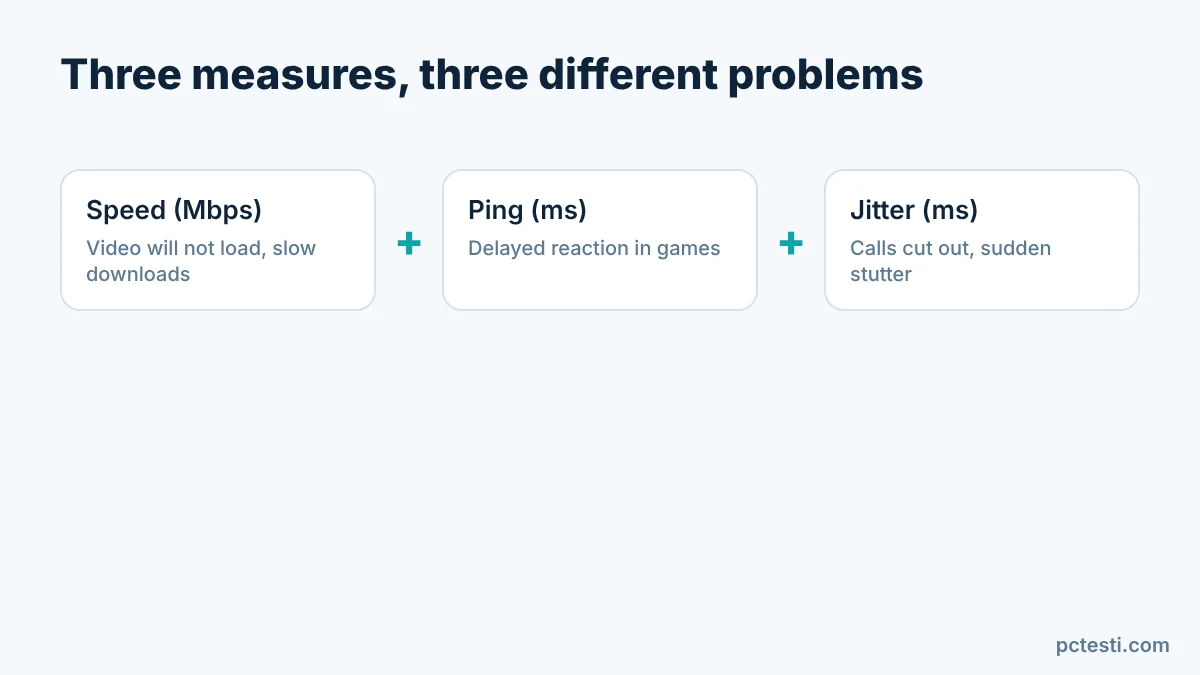
| Measure | What it means | What you notice when it is bad |
|---|---|---|
| Download / upload (Mbps) | Data moved per second | Video will not load, downloads are slow, uploads fall short in video calls |
| Ping (ms) | Round-trip delay to the server | Delayed reaction in games, sluggish remote desktop |
| Jitter (ms) | How much the delay changes between requests | Audio cuts out in calls, sudden stutter in games |
1. Measure speed first
The Internet Speed Test measures download, upload, ping, jitter and stability in about 20 seconds. It measures the speed to the pctesti.com server, so it can come out lower than sites with a worldwide network of test servers. Look at the average of several runs and the stability comment, not at one number.
2. Repeat the test in two conditions
Measure once on Wi-Fi close to the router and once over an Ethernet cable. If the wired result is much better, the problem is the Wi-Fi signal (walls, distance, neighboring networks), not the line. Pause downloads, streams and cloud backups on the same network before testing.
3. Ping test for latency and fluctuation
The Internet Ping Test sends small requests and shows average latency and failed requests. It is not an ICMP ping to a game server, but it does say something about connection stability. If the average is low but jitter is high, the problem is stability, not speed.
4. Catching drops
If the problem comes and goes, use the Internet Drop Diagnostic; it watches the connection for about 45 seconds and records drops and latency spikes. To tell Wi-Fi from the line, the Internet Connection Diagnostic page points the way. If drops show up, contacting your provider with the log makes the call easier.
5. Common causes
- A weak Wi-Fi signal, or the 2.4 GHz band crowded by neighboring networks
- A modem that has not been restarted in a long time
- Many devices on the network at once and background updates
- An old or damaged Ethernet cable
- Provider congestion in the evening
FAQ
Why is my result lower than on Speedtest-style sites? Each test measures to a different server. Ours measures to the pctesti.com server; distance and server load affect the result.
How much data does the test use? Up to about 100 MB for download and 12 MB for upload. Be careful on mobile data.